← Back to Guide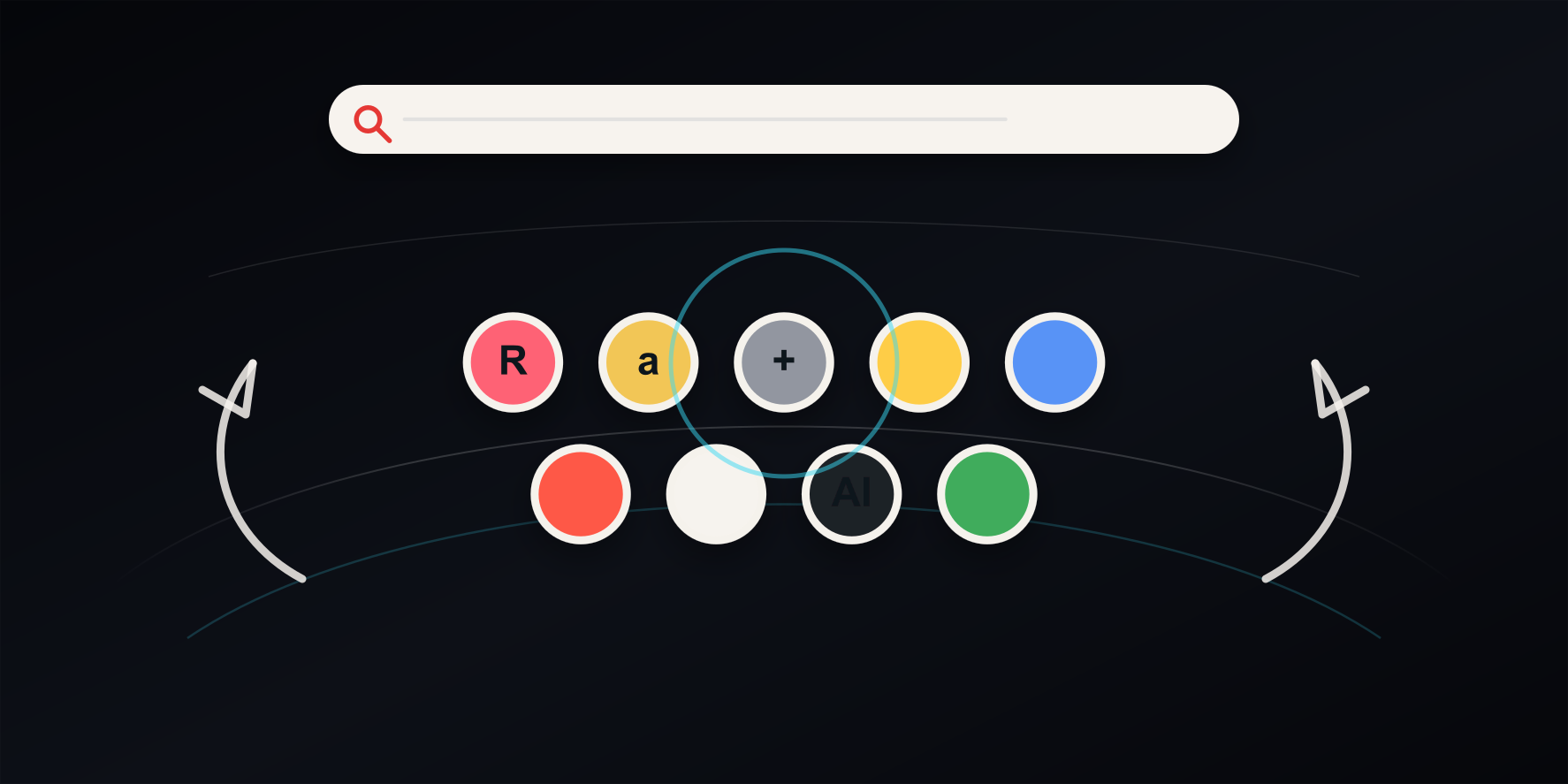
02 / 15
Basic Controls & Navigation
Rotating the Cylinder
Your links are arranged as icons on a 3D cylinder. Rotate it to bring the icon you want to the front.
- Mouse drag — Drag an empty area left or right to spin the cylinder.
- Scroll wheel — Scroll to move the cylinder up and down. Turn on Swap Drag and Wheel in Display Settings to rotate with the wheel instead.
- Touch swipe — On phones and tablets, swipe horizontally to rotate.
- Arrow keys — ← / → rotate the cylinder, and ↑ / ↓ move it up and down.
Opening a Link
Click (or tap) an icon to open the link. By default it opens in a new tab. To open links in the current tab instead, turn off Open URLs in a new tab under Open Behavior in the Display tab of Settings. Clicking a folder icon opens that folder, and image or video files and YouTube or Spotify links open in a preview inside Curv Link.
Buttons in the Top-Right Corner
- Settings (three lines) — Opens the settings panel with the Display, Links, and Data tabs.
- Media — Shows your saved items as large preview cards.
- Edit (pencil) — Shows edit and delete buttons on the front icons. While edit mode is on, clicking an icon does not open it.
Tip: By default, icons facing away from you do not respond to clicks (Ignore Back-Facing Links in Display Settings). Rotate the icon you want to the front first.