Getting Started with Curv Link
Open Curv Link in Your Browser
Curv Link is a free web app. It runs in current browsers on computers and phones, so there is nothing to install and no account to create. The 3D view uses WebGL.
- Open curv-link.cigmma.com in your browser.
- Bookmark the page or set it as your browser's home page so you can come back to it quickly.
- In browsers that support it, you can also install Curv Link as an app (PWA) from the install icon in the address bar or the browser menu, and open it in its own window.
Your First Cylinder
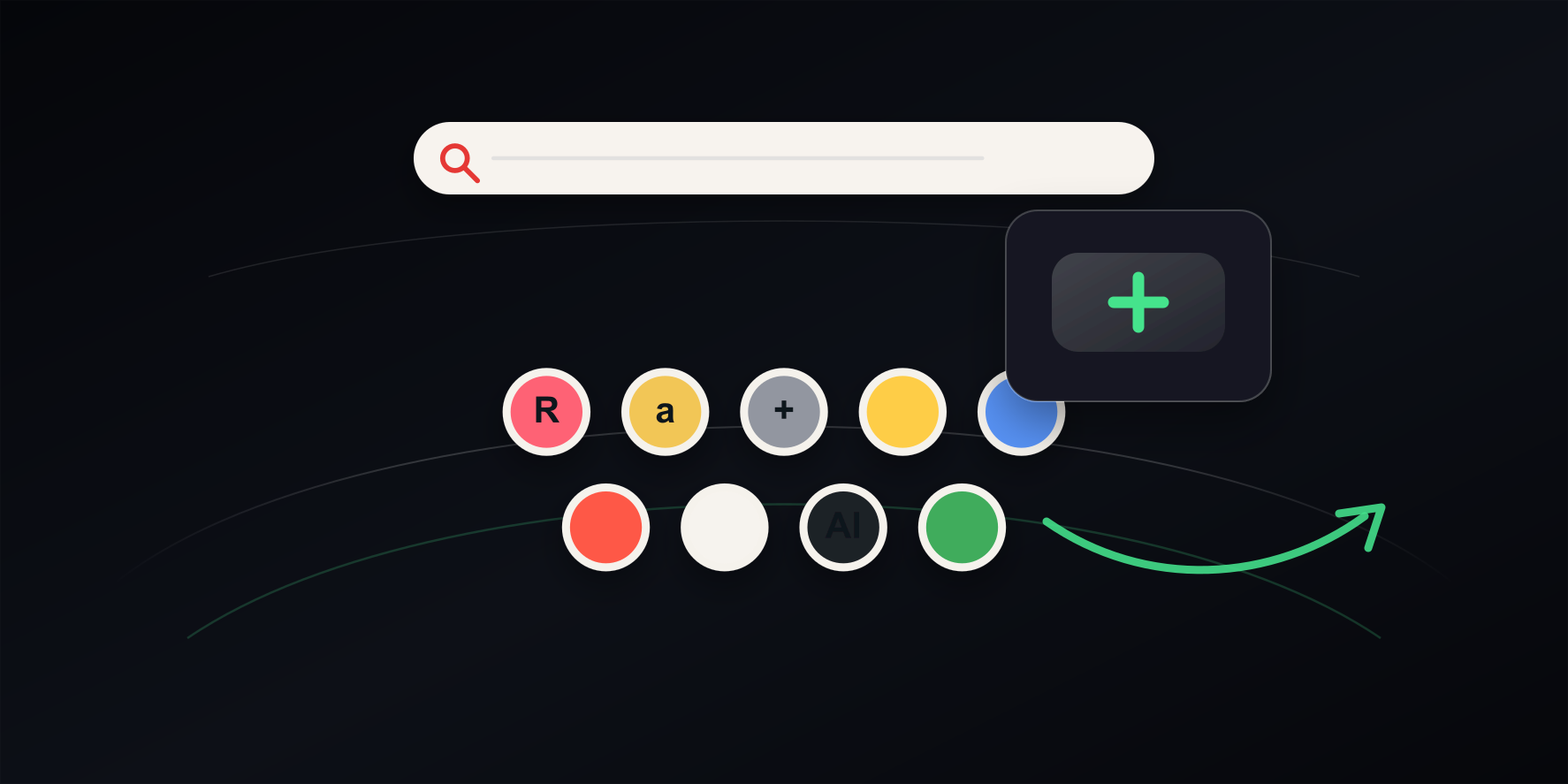
The first time you open Curv Link, a cylinder of popular sites appears. It includes a few sample links marked PR (affiliate links). Drag to spin the cylinder and click an icon to open the site. Add your own sites with the + icon on the cylinder, and delete any icons you do not need.
Optional: Curv Link Web Helper
Curv Link Web Helper is a free extension for desktop Google Chrome, available from the Chrome Web Store. Curv Link works without it. Add it when you want to:
- Open Curv Link every time you open a new tab in Chrome.
- Import your Chrome bookmarks (only when you click Import Bookmarks).
- Have bookmarks you create, move, or rename in Chrome reflected in Curv Link.
- Add the page you are viewing from the extension's popup.
Adding to or deleting from Chrome bookmarks when you add or delete links in Curv Link are separate options, and both are off by default.
Privacy
Links, folders, settings, search history, and files you add are, as a rule, stored in your browser and are not sent to Curv Link's servers. To show site icons and page thumbnails, the domain names of your links or page URLs are sent to image providers such as Google, DuckDuckGo, thum.io, and Microlink, either through Curv Link's image relay server (Cloudflare) or directly. Curv Link does not access the sites you save to read their titles. While search suggestions are on, what you type is sent through Curv Link's server to the search engine. Amazon and Rakuten links without a referral ID, including ones you saved yourself, open through Curv Link's referral link by default; turn off Open Amazon/Rakuten links via our referral link under Open Behavior in the Display tab of Settings to open them as saved. See the privacy policy on the Support page for details.