Using the Search Bar
Searching the Web
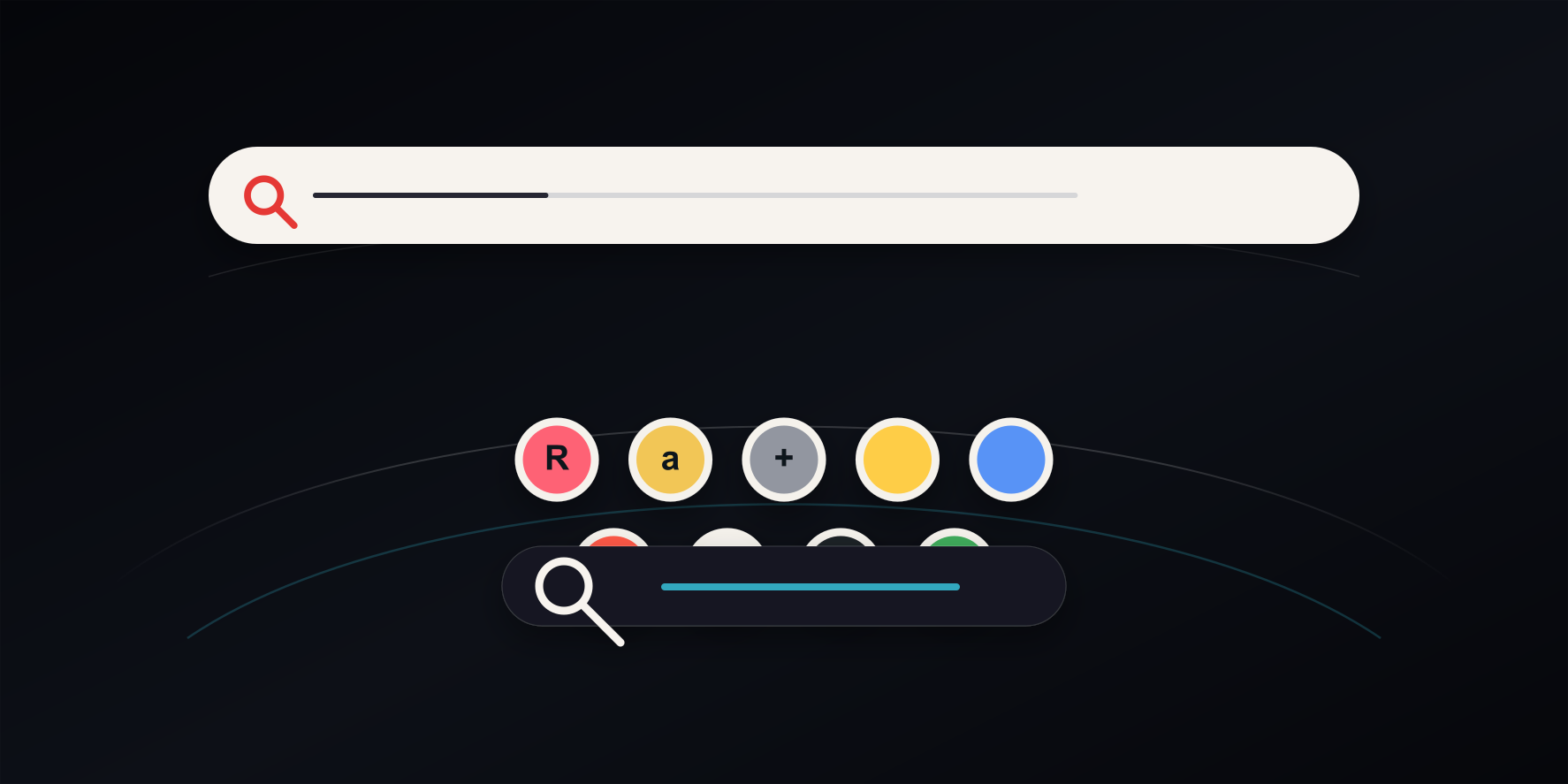
Curv Link is not a search engine. Type keywords in the search bar shown with the cylinder and press Enter to open the results page of the search engine you chose (Google by default). If you type a URL, that page opens instead of a search. Results and pages open in a new tab by default, following the Open URLs in a new tab setting.
- Type keywords — Press Enter to search with the selected engine.
- Type a URL — Press Enter to open that page without searching. You can leave out
https://, as inexample.com. Text with spaces, or text that looks like a file name such asnode.js, is searched instead. For sites you open often, add them to the cylinder so they open with one click.
Choosing a Search Engine
Change the engine from the button on the search bar or under Settings → Display → Search. You can choose Google, Bing, Yahoo!, DuckDuckGo, Baidu, or Yandex.
Suggestions and Search History
As you type, your past searches and the engine's suggestions appear below the search bar. Use ↑ / ↓ to pick one and Enter to search; a past entry that is a URL opens that page again. Your search history is kept in this browser, and each entry has a delete button. Rows that search Amazon or Rakuten also appear; rows marked PR open through a referral link, while pressing Enter alone never does: it searches with your engine, or opens the URL you typed as it is.
Hiding or Moving the Search Bar
In Display Settings, turn off Show Search Bar to hide it, or change Search Bar Height, Search Bar Depth, and Search Bar Size.
example.com, is). Pressing Enter on a URL opens the page directly, without going through Curv Link's server. Turn off Show Search Suggestions to see only your search history.